 Agencies and studios
 Photographers
 Podcasters
 Video and social creators
 Marketers and content teams
Download free
macOS and Windows. Your files stay on your computer.
macOS and Windows. Your files stay on your computer.
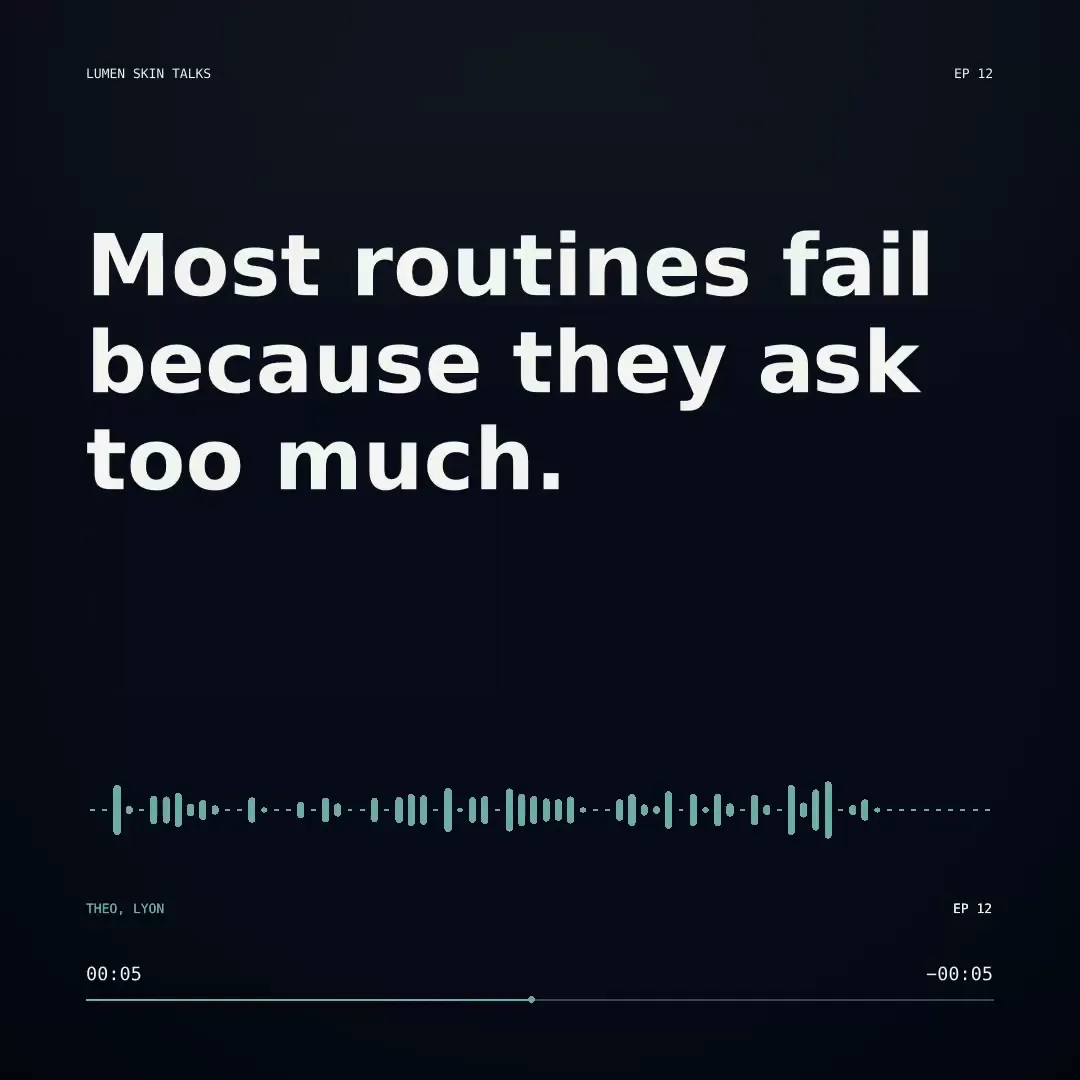
Turn a podcast moment or a quote into a captioned waveform video for the feed. Add your colors, cover art and logo, trim to the best part, and burn in captions. Your audio never leaves your computer.
Intel Mac or need help installing? All downloads
Hangar runs on Mac and Windows. Open this page there to download.
The file from the run in the recording
How it works
1 Start from
MP3, WAV, M4A, AAC or any other audio file. Set an in and out point to keep only the moment you want.
2 Set it
Pick bars, wave or line, a square, story or wide shape, and add your colors, title, cover art and logo.
3 Export
Bring in an SRT file, or make one with Transcribe on your computer. You get an MP4 ready to post.
New to Hangar? How to run a tool, step by step
Pick the shape
The shape decides where the video fits. Your colors, cover art, captions and waveform carry over, so you can make one of each from the same clip.
1080 × 1080, the feed favorite.
Best for Instagram, LinkedIn and X posts.
1080 × 1920, full screen on a phone.
Best for Reels, Stories and Shorts.
1920 × 1080, landscape.
Best for YouTube and websites.
Every setting, explained in the Audiogram guide Template · Waveform style · Size · Colors · Text
Who uses it
Cut the best 30 seconds, caption it, and post it before the episode goes live.
Hangar for podcastersTurn a speaker’s strongest line into a captioned video for the feed.
Hangar for marketers and content teamsShare a short, branded preview of a lesson to bring people to the full course.
One app, one payment
The same app makes mockups, carousels, QR codes and backgrounds, and handles your PDFs, images, video and audio too. One payment covers every tool.
A typical routine
Cut the best moment, turn the speech into captions, then make the waveform video, all on your computer.
The alternative
Online audiogram makers offer big template libraries and team sharing. If that matters most, they are a good fit. Here is what you trade for it.
Every tool is free for 3 days, with no account and no card. After that, Hangar is a one-time payment from $45, with updates for the version you buy. There is no subscription.
No. The only marks on the video are your own logo and text.
Yes. Set an in and out point, and only that part of the audio goes into the video.
Yes. Bring in an SRT or VTT subtitle file and the captions are burned onto the video. The Transcribe tool can make that file for you, all on your machine.
A vertical 9:16 story shape (the default), square for feeds, or a wide 16:9 video.
Yes. Set the accent, background, and text colors, add a cover image and your logo, and type the text each template shows.
No. Your files are processed on your computer and never sent anywhere. Hangar sends anonymous usage counts to improve the app, never file names or contents, and you can turn that off in Settings.
Yes. A license works on any mix of Mac and Windows computers. Solo covers 1 computer, Crew 3 and Fleet 10.
Then pay once, from $45, for every tool and the updates for your version. No subscription. 30-day refund.See plans
Intel Mac or need help installing? All downloads
Hangar runs on Mac and Windows. Open this page there to download.