 Agencies and studios
 Photographers
 Podcasters
 Video and social creators
 Marketers and content teams
Download free
macOS and Windows. Your files stay on your computer.
macOS and Windows. Your files stay on your computer.
Cut products, people and logos out of their photos, with the work done on your own computer. Keep the cutout transparent or drop it onto white or a brand color, for a whole shoot at once. No credits, no uploads.
Intel Mac or need help installing? All downloads
Hangar runs on Mac and Windows. Open this page there to download.
Where the AI runs
Cutout websites send each photo to their servers and often charge per result. Hangar keeps the model on your computer, so a whole shoot costs nothing extra and works with the Wi-Fi off.
JPG, PNG, WebP, HEIC and more. One photo or a whole shoot.
Fast is built in. Medium, High and Ultra download once, then run offline.
A cutout the same size as the photo, with -nobg added to its name. PNG, WebP or JPG.
Upload to a serverNot part of the path. Your file and the result never leave this computer.
Four quality levels
A quick preview.
Best for: One large subject on a plain background.
A downloaded model for one clear subject.
Best for: Subjects without small or see-through details.
The best balance, and where the app starts.
Best for: Products, logos, hair, glass and busy backgrounds.
The most edge detail, but much slower.
Best for: When High misses fine detail.
Sizes are the one-time downloads shown in the app. Each model is checked after it downloads and stays on this computer.
Hard cases
These cutouts are from the run in the recording, on High, as saved. A fourth product was left out of the video: its label hangs past the bottle, and the cutout clipped letters.

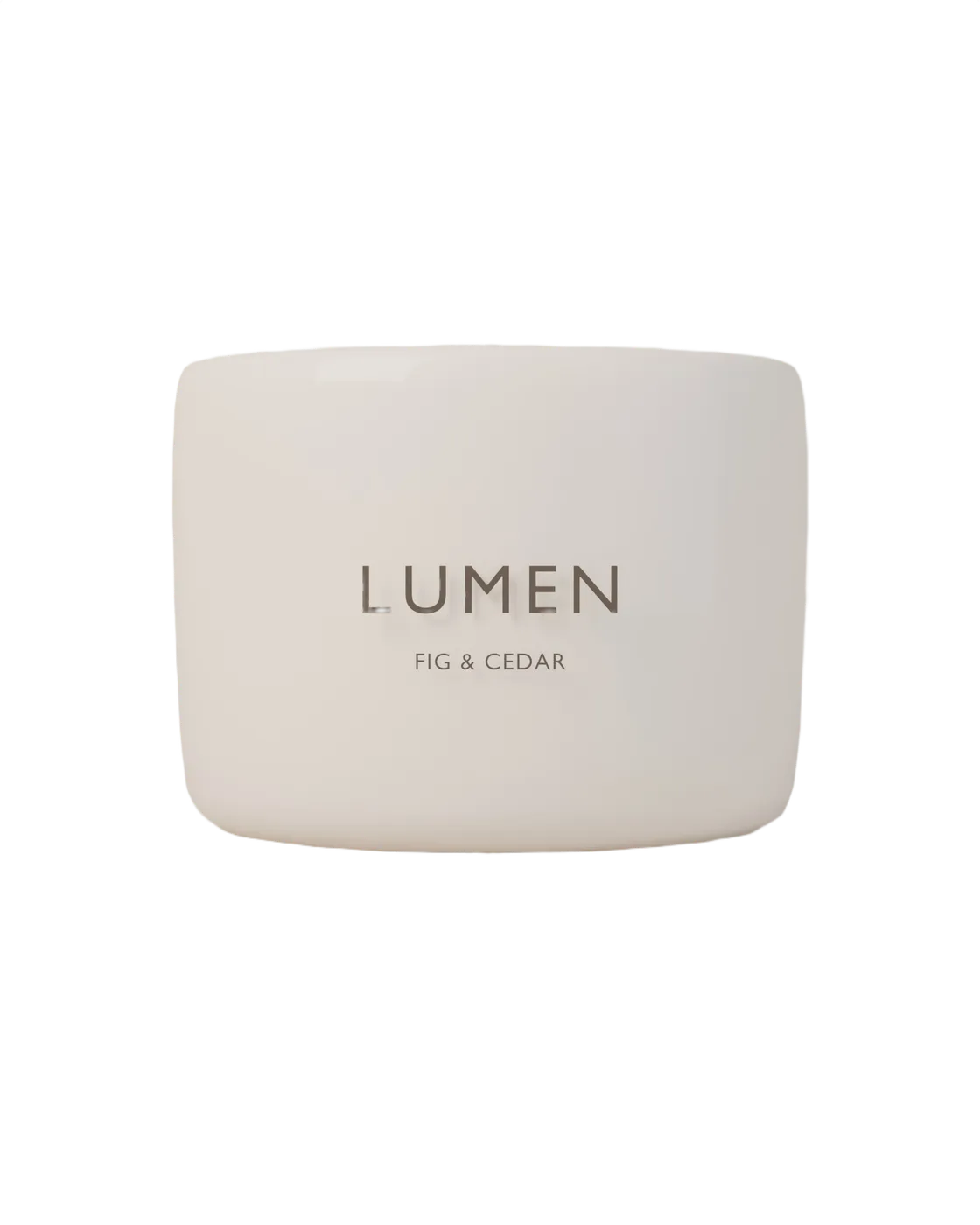
Clean edges on High, ready for a store listing.
High handles most of it. Ultra keeps the most edge detail.
High is made for it. Check the edges before you publish.
An overhanging label can be clipped, and Ultra may keep objects next to the subject.
How it works
JPG, PNG, WebP, HEIC and the other common image types work. Add one photo or a whole shoot.
High is the recommended start. Keep Transparent, or choose White for store listings or any color you like.
Each cutout keeps the size of the original and gets -nobg added to its name. The original stays as it was.
New to Hangar? How to run a tool, step by step
Choose the quality
Fast is built in and works right away. Medium, High and Ultra each download a stronger model once, about 170 MB, 223 MB and 930 MB, then run offline.
Works the moment you install.
Best for one large subject on a plain background.
The best balance of speed and clean edges.
Best for products, logos, hair, glass and busy backgrounds.
Keeps the most edge detail, but much slower.
Best when High misses fine hair or fur.
Every setting, explained in the Remove background guide Quality · Background · Output format · Feather edges · Refine edges
The alternative
remove.bg is a strong specialist, and its edges on hair are among the best. But every photo is uploaded, and every full-size result costs a credit.
remove.bg: pricing and privacy pages, checked June 2026.See the full comparison
Who uses it
Cut out a full shoot onto white for a store listing, without paying per photo.
Lift people and products out of photos to place on campaign artwork and social posts.
Hangar for marketers and content teamsGive every team portrait the same transparent or brand-color background, and keep staff photos off outside servers.
One app, one payment
The same app converts, compresses, resizes and cleans up photos, and does the same kind of work for PDFs, video and audio. One payment covers every tool.
Save it as a chain
Cut a product shoot out onto white, bring every shot to your store’s size and shrink the files, in one run.
How chains workEvery tool is free for 3 days, with no account and no card. After that, Hangar is a one-time payment from $45, with updates for the version you buy. There is no subscription.
Yes. Each cutout has the same width and height as the original photo. A transparent PNG is usually a larger file than the original JPEG.
Photos over 100 megapixels are refused. Make them smaller with Resize images first.
No. The cutout is computed on your own computer. Nothing is sent to a server, there is no account, and there is no per-image fee.
The Fast tier needs nothing and works fully offline. The Medium, High, and Ultra tiers download a better model the first time you pick them, then run offline from then on.
Use a higher quality tier and add a few pixels of edge feather. Leaving edge refinement on also helps clean up the fringe left by the old background.
Yes. Choose white or pick any color and the subject is flattened onto it. Or keep PNG or WebP with a transparent background and layer it yourself.
No. Your files are processed on your computer and never sent anywhere. Hangar sends anonymous usage counts to improve the app, never file names or contents, and you can turn that off in Settings.
Yes. A license works on any mix of Mac and Windows computers. Solo covers 1 computer, Crew 3 and Fleet 10.
Then pay once, from $45, for every tool and the updates for your version. No subscription. 30-day refund.See plans
Intel Mac or need help installing? All downloads
Hangar runs on Mac and Windows. Open this page there to download.