 Agencies and studios
 Photographers
 Podcasters
 Video and social creators
 Marketers and content teams
Download free
macOS and Windows. Your files stay on your computer.
macOS and Windows. Your files stay on your computer.
Build multi-slide posts for Instagram and LinkedIn from a template picked by what you are publishing. Edit the words right on each slide, then export numbered PNGs and an optional PDF. Your drafts stay on your computer.
Intel Mac or need help installing? All downloads
Hangar runs on Mac and Windows. Open this page there to download.
6 files from the run in the recording


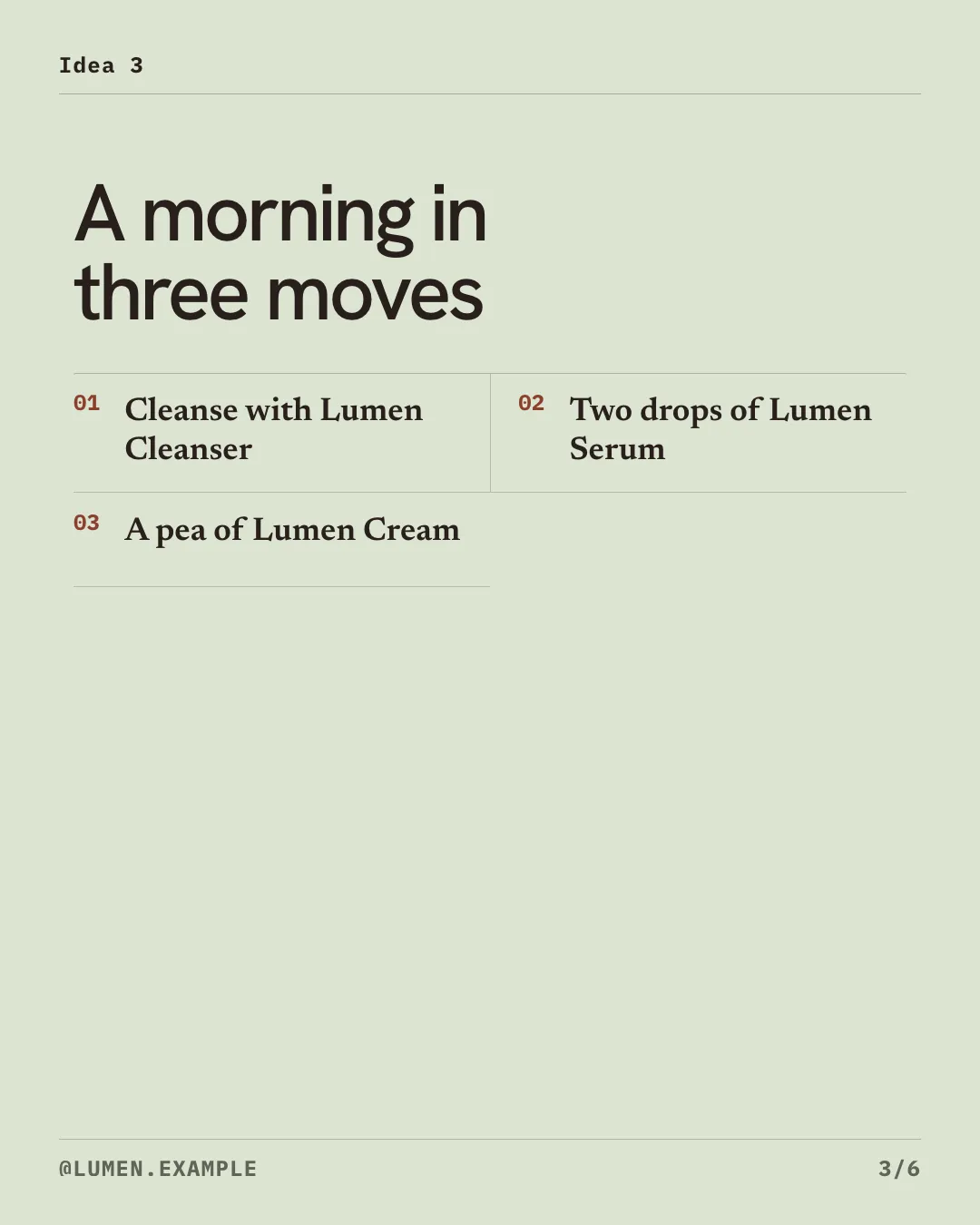

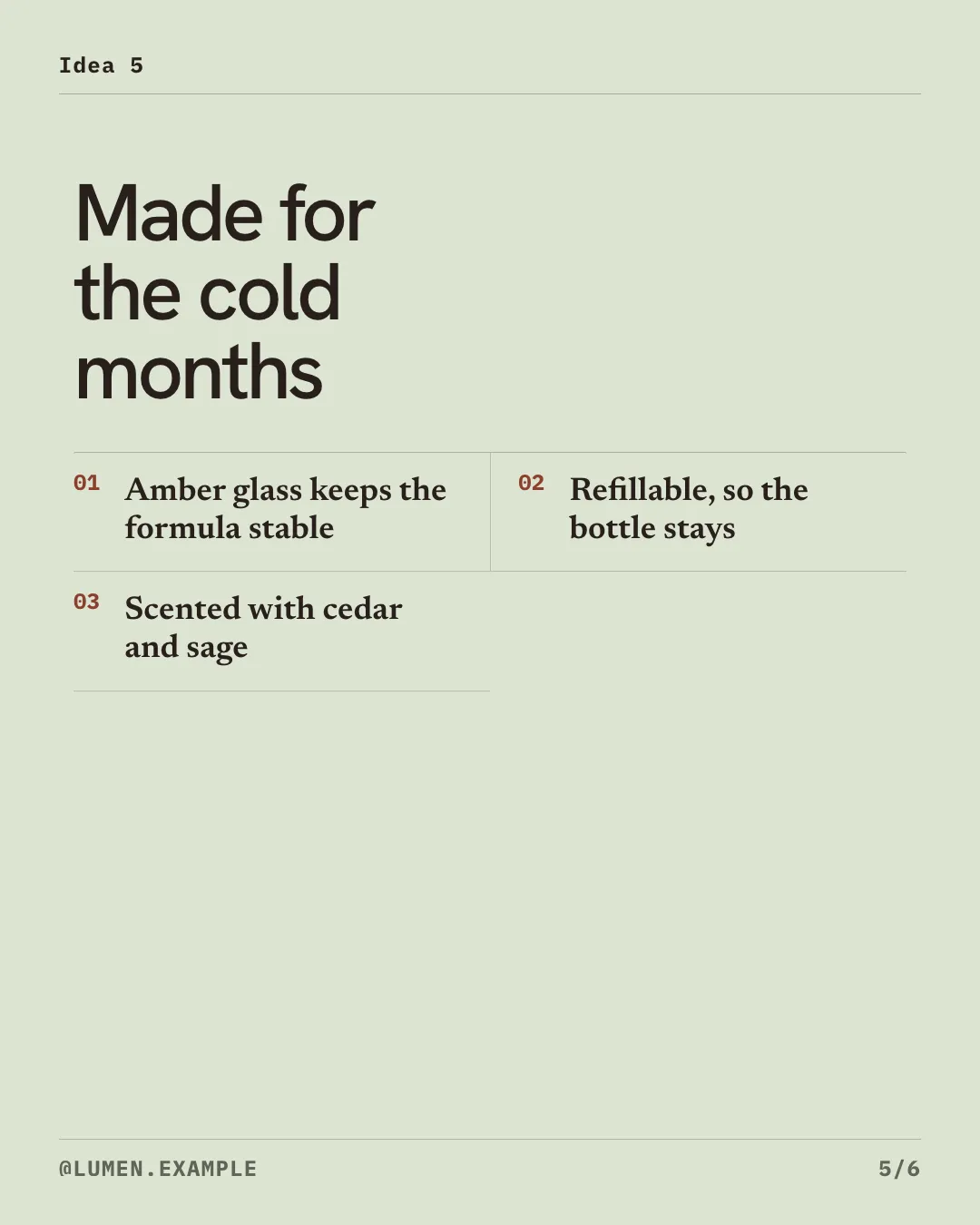
How it works
1 Start from
Choose by what you are publishing, such as Product Proof, How-to Guide, Case Study or Data Report. Or paste an outline to draft the slides.
2 Set it
Edit the copy in place, add up to three images per slide, and set your accent color, name and handle.
3 Export
One numbered PNG per visible slide at the exact canvas size, plus a PDF for LinkedIn if you want it.
New to Hangar? How to run a tool, step by step
Start from the job
Each template is a full visual system with a ready-made slide sequence. Keep its sequence or keep your own slides, and change the canvas at any time. The layout reflows to fit.
Pain, promise, proof, workflow, result, call to action.
Best for product updates, demos and launches.
Clear steps in a stacked, easy-to-swipe layout.
Best for tutorials and explainers.
Big numbers and ledger rows that lead with evidence.
Best for research, benchmarks and reports.
Every setting, explained in the Carousel guide Template · Canvas · Slide type · Image placement · Image frame
Who uses it
Paste outlines, pick a template, and export every slide at the right size for each post.
Hangar for marketers and content teamsTurn a written idea into a swipeable PDF with your name and photo on the cover.
Lay out a client result as a branded carousel without a design subscription for every teammate.
Hangar for agencies and studiosOne app, one payment
The same app makes mockups, carousels, QR codes and backgrounds, and handles your PDFs, images, video and audio too. One payment covers every tool.
A typical routine
Cut out a product shot, place it on your slides, then shrink the exported PNGs for faster posting.
The alternative
Online design apps have far bigger template libraries and real-time team editing. If you design with a team every day, that matters. Here is the case for Hangar.
Every tool is free for 3 days, with no account and no card. After that, Hangar is a one-time payment from $45, with updates for the version you buy. There is no subscription.
No. It exports the slides and PDF to your output folder, and you post them with the app or scheduler you already use.
Yes. Your project saves as you work, so you can reopen it and keep editing.
Portrait 1080 × 1350, Square 1080 × 1080, Story 1080 × 1920, and Landscape 1600 × 900. Every slide is exported at exactly that size.
Carousel exports PNG slides. To post a LinkedIn document, combine the PNGs into one PDF with Images to PDF.
Up to 30. You can hide a slide to leave it out of the export without deleting it.
Yes. Paste an outline with --- between slides, with headings as headlines and bullets as list items. Importing replaces your current slides, and Undo brings them back.
No. Your files are processed on your computer and never sent anywhere. Hangar sends anonymous usage counts to improve the app, never file names or contents, and you can turn that off in Settings.
Yes. A license works on any mix of Mac and Windows computers. Solo covers 1 computer, Crew 3 and Fleet 10.
Then pay once, from $45, for every tool and the updates for your version. No subscription. 30-day refund.See plans
Intel Mac or need help installing? All downloads
Hangar runs on Mac and Windows. Open this page there to download.