 Agencies and studios
 Photographers
 Podcasters
 Video and social creators
 Marketers and content teams
Download free
macOS and Windows. Your files stay on your computer.
macOS and Windows. Your files stay on your computer.
Nothing you type leaves this device. No sign-up.
Make a QR code for a link, WiFi, email, text or contact, with your logo, shapes and colors, right in your browser.
Code for
Styles
Cards
Save as
Size
Hangar reads your code back and tells you if a phone will miss it, next to every other tool you use.
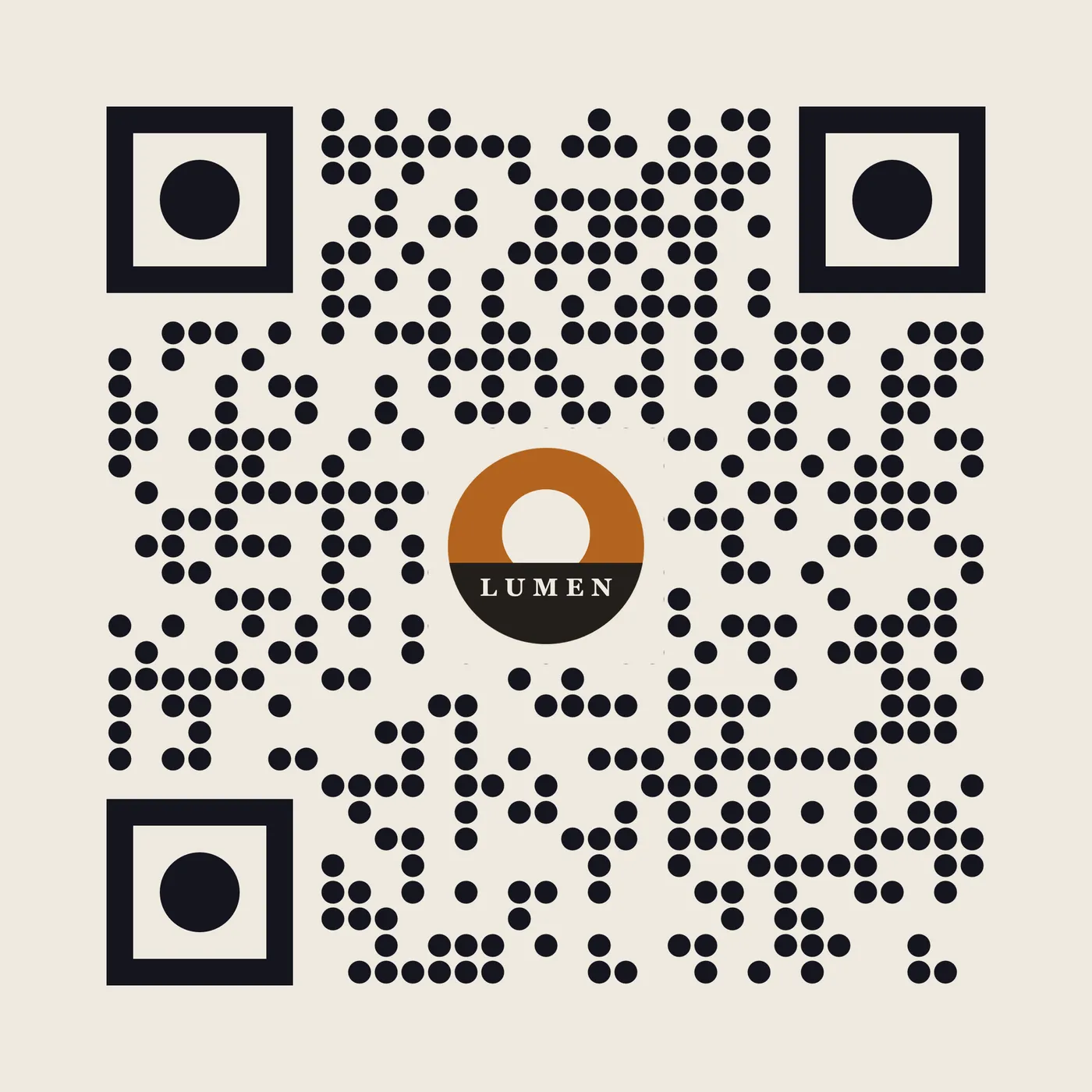
The file from the run in the recording
How it works
1 Start from
A link, plain text, a WiFi login, an email, an SMS or a contact card.
2 Set it
Square, rounded or dot modules, matching corners, solid or gradient colors, and your logo in the middle.
3 Export
Hangar shows whether the styled code still scans. Set the size, margin and an optional caption frame, then save a PNG.
New to Hangar? How to run a tool, step by step
Choose what it opens
The content type decides what happens when someone scans. Styling works the same on all of them, so a WiFi card can match your menu and your flyer.
Opens your page in one tap.
Best for posters, flyers and packaging.
Joins your network without typing the password.
Best for offices, cafes and guest rooms.
Saves your details straight to the phone.
Best for business cards and event badges.
Every setting, explained in the QR code guide Content · Module and eye shape · Colors · Styles and cards · Logo
Who uses it
Put an on-brand code on a flyer or poster that points straight to the landing page.
Hangar for marketers and content teamsPrint a styled WiFi code for the counter so nobody has to spell out the password.
Give speakers and staff a code that saves their details in one scan.
One app, one payment
The same app makes mockups, carousels, QR codes and backgrounds, and handles your PDFs, images, video and audio too. One payment covers every tool.
A typical routine
Cut your logo out of its background, pull its colors, then build a code that matches.
The alternative
QR websites are quick, and their dynamic codes let you change the link later and count scans. Here is the catch for printed codes.
Every tool is free for 3 days, with no account and no card. After that, Hangar is a one-time payment from $45, with updates for the version you buy. There is no subscription.
Not because of Hangar. Your link or details are written into the code itself, so it works as long as the link does.
No. The link is part of the code, so a new link means a new code. That is also why nothing can redirect your scans.
Not yet. It saves a PNG at the size you set, so choose a large size for print.
No. Your files are processed on your computer and never sent anywhere. Hangar sends anonymous usage counts to improve the app, never file names or contents, and you can turn that off in Settings.
Yes. A license works on any mix of Mac and Windows computers. Solo covers 1 computer, Crew 3 and Fleet 10.
Then pay once, from $45, for every tool and the updates for your version. No subscription. 30-day refund.See plans
Intel Mac or need help installing? All downloads
Hangar runs on Mac and Windows. Open this page there to download.