 Agencies and studios
 Photographers
 Podcasters
 Video and social creators
 Marketers and content teams
Download free
macOS and Windows. Your files stay on your computer.
macOS and Windows. Your files stay on your computer.
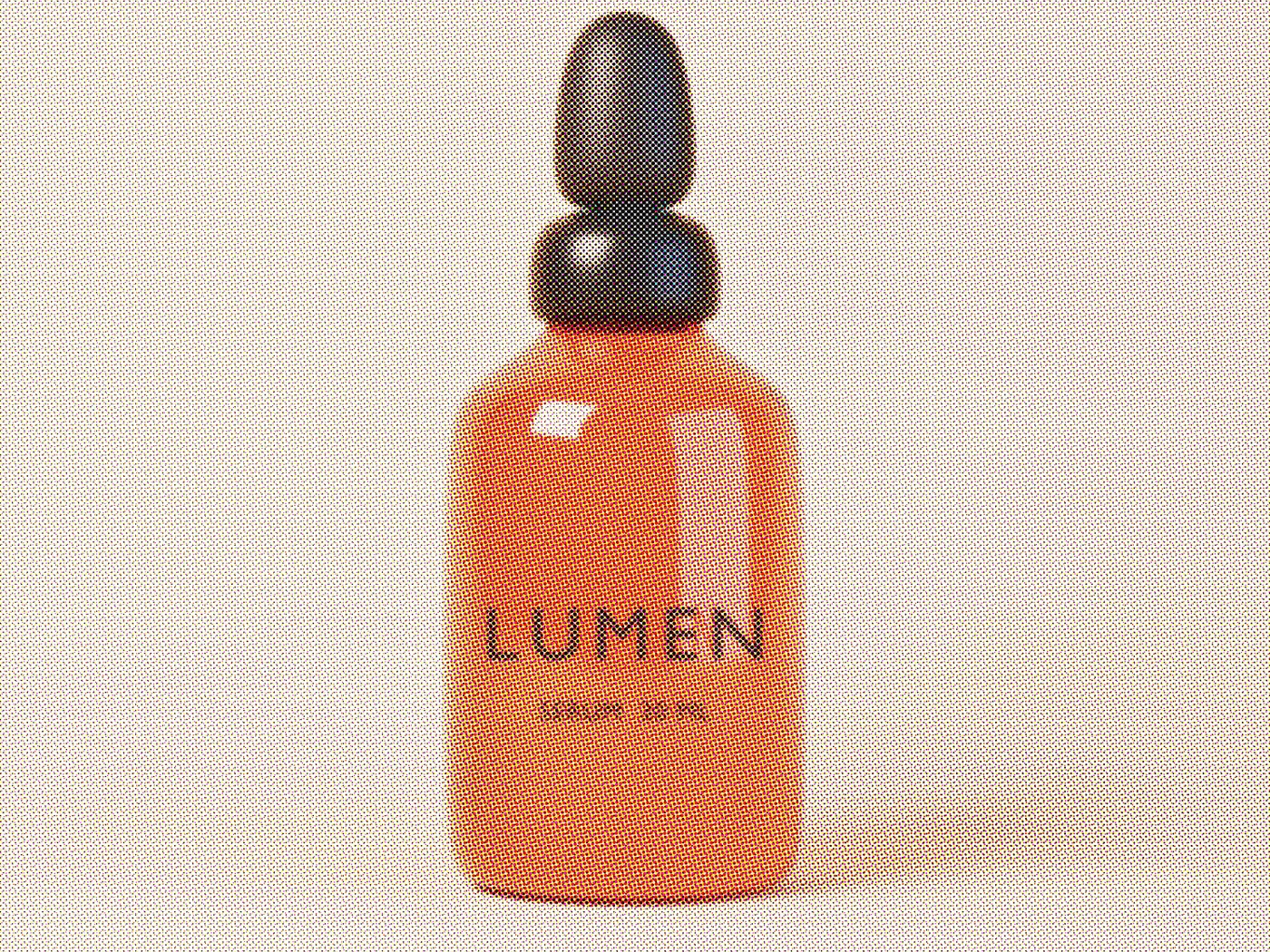
Give a photo series, a set of social posts or a product line the same print-style look: duotone, halftone dots, a four-color print screen, retro dithering or flat posterized color. Pick a look in the Stylize studio and export the whole batch at once, on your own computer.
Intel Mac or need help installing? All downloads
Hangar runs on Mac and Windows. Open this page there to download.
The file from the run in the recording
How it works
1 Start from
JPG, PNG, WebP, BMP, TIFF and GIF. Add one image or many to the studio.
2 Set it
Start from a Look like Riso Blue or Newsprint, set your two ink colors, and hover to see the dots up close.
3 Export
Every image gets the same look at its original size, with -styled added to its name.
New to Hangar? How to run a tool, step by step
Start from a Look
A Look sets the effect and its main settings, and you can change anything after. There are nine, across seven effects from Duotone to Posterize.
Four overlapping dot screens, like a color magazine.
Best for posters and editorial covers.
A two-color duotone in your own inks.
Best for on-brand campaign sets.
A grainy black and white dither.
Best for zines, music art and retro product shots.
Every setting, explained in the Stylize guide Effect · Looks · Color and levels · Pattern detail · Dithering
Who uses it
Give every campaign image the same duotone in brand colors, in one export.
Hangar for marketers and content teamsTurn band photos into halftone or dithered art for a single, a flyer or merch.
Give a whole collection the same print look so it stands out in a feed.
One app, one payment
The same app converts, compresses, resizes and cleans up photos, and does the same kind of work for PDFs, video and audio. One payment covers every tool.
Save it as a chain
Size a set for the feed, give every image the same look in the Stylize studio, then compress the results for upload.
How chains workThe alternative
Photoshop can make almost any effect if you know how. Getting one look onto a whole batch means building it, recording an action and paying every month.
Adobe Photoshop is sold by subscription on adobe.com.
Every tool is free for 3 days, with no account and no card. After that, Hangar is a one-time payment from $45, with updates for the version you buy. There is no subscription.
No. Every image in the studio gets the same look. Export one group, remove it, then set up the next look.
Yes. PNG and WebP files keep their transparent areas. A JPG stays a JPG with a solid background.
No. Each styled image has the same width and height as the original.
No. Your files are processed on your computer and never sent anywhere. Hangar sends anonymous usage counts to improve the app, never file names or contents, and you can turn that off in Settings.
Yes. A license works on any mix of Mac and Windows computers. Solo covers 1 computer, Crew 3 and Fleet 10.
Then pay once, from $45, for every tool and the updates for your version. No subscription. 30-day refund.See plans
Intel Mac or need help installing? All downloads
Hangar runs on Mac and Windows. Open this page there to download.