Set the modified and created dates of a whole batch of files. Use each file’s date taken, pick one date for all of them, or shift them by minutes, hours or days. Every old and new date is shown first, and the last run can be undone.
3 Nov 202614 Oct 2026Real result from the recording: 6 photos, date taken from each file, Undo kept
Intel Mac or need help installing? All downloads
Hangar runs on Mac and Windows. Open this page there to download.
How it works
Any file type. Turn on Subfolders to go deeper, and filter the list if you need to.
Pick Date modified, Date created or both, then set them from the date taken, a date you pick or a shift in time.
Every file shows its old and new date. The dates change on the originals, and Undo last change puts them back.
New to Hangar? How to run a tool, step by step
Choose the new date
Each way works on the dates you ticked. Pick the one that fits the job, and check the old and new date on every file before you run.
Each file gets the date a camera or phone wrote inside it.
Best after copying photos changed their dates.
Every file gets the same date and time.
Best for one delivery or one archive.
Move each file later or earlier by minutes, hours or days.
Best after a clock was set wrong.
Every setting, explained in the Change file dates guide Which dates · Set to
The alternative
A terminal command is free and fine if you are comfortable writing one. When you want to see every date before it changes, here is the difference.
Who uses it
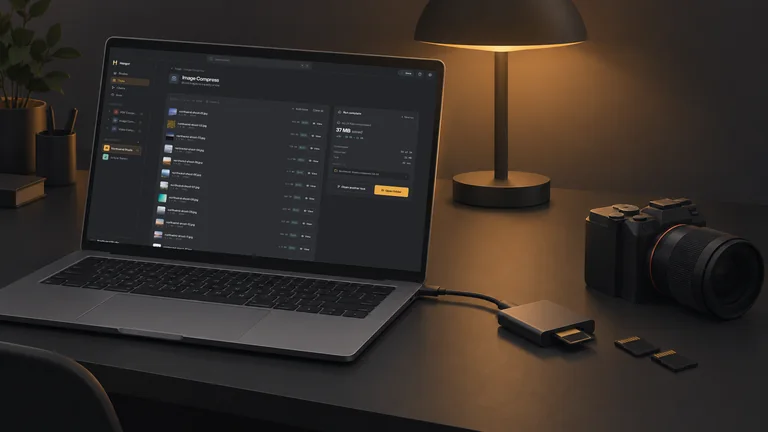
Give copied photos the day they were taken, so they sort in the right order in any folder.
Hangar for photographersSet the same date on every file in a client delivery before it goes out.
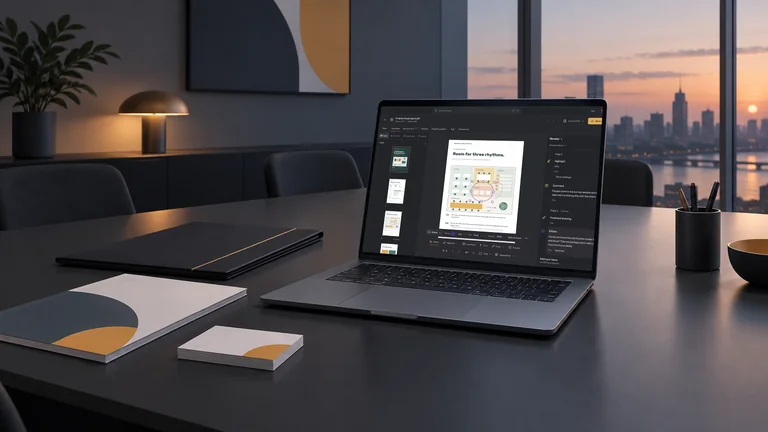
Hangar for agencies and studiosShift or set dates across a folder of documents, with every change listed first.
One app, one payment
The same app zips, unzips, renames and sorts whole folders, and handles your PDFs, images, video and audio too. One payment covers every tool.
A typical routine
Fix the dates first, put them in the file names, then sort the files into folders by month.
Every tool is free for 3 days, with no account and no card. After that, Hangar is a one-time payment from $45, with every future update included. There is no subscription.
No. The dates change on the original files, and Undo last change puts the old dates back. What is inside each file stays the same.
No. It changes the modified and created dates your computer keeps for a file.
No. Your files are processed on your computer and never sent anywhere. Hangar sends anonymous usage counts to improve the app, never file names or contents, and you can turn that off in Settings.
Yes. A license works on any mix of Mac and Windows computers. Solo covers 1 computer, Crew 3 and Fleet 10.
Then pay once, from $45, for every tool and every future update. No subscription. 30-day refund.See plans
Intel Mac or need help installing? All downloads
Hangar runs on Mac and Windows. Open this page there to download.
 Agencies and studios
 Photographers
 Podcasters
 Video and social creators
 Marketers and content teams