See your font files drawn in their own letters, compare up to six side by side, and convert the one you choose to a web font. Nothing gets installed, and your fonts stay on your computer.
Intel Mac or need help installing? All downloads
Hangar runs on Mac and Windows. Open this page there to download.
How it works
Drop TTF, OTF, WOFF or WOFF2 files, a folder or a zip. The fonts installed on your computer are already listed.
Type your text, then line up to six families in a grid, in lines, or as a heading over a body font.
Look through the glyphs, writing systems and license. Convert to WOFF2, WOFF, TTF or OTF, with a ready fonts.css for websites.
New to Hangar? How to run a tool, step by step
Choose the format
WOFF2 and WOFF pack the same font for websites, so letter shapes, spacing and features stay exactly the same. TTF and OTF are desktop formats. Going between those two redraws each letter as a very close copy.
The smallest file for websites.
Best for any site you are building today.
A larger web font for old browsers.
Best when a project still has to support them.
A desktop font you can install.
Best for unpacking a web font, or when an app asks for one format.
Every setting, explained in the Fonts guide Browse · Compare · Inspect · Convert to · Specimen PDF
The alternative
Installing a font is free, and it is the step you need before your other apps can use it. For choosing between fonts, it is a slow way to look at them.
Who uses it
Line up the finalists in the client’s own words, and try a heading and body pairing before anyone commits to a license.
Hangar for agencies and studiosConvert a family to WOFF2 and get a fonts.css with one rule per style, ready to paste into the project.
See which writing systems a font covers and what its license says about embedding before it goes in the brand guide.
Hangar for marketers and content teamsOne app, one payment
The same app makes mockups, carousels, QR codes and backgrounds, and handles your PDFs, images, video and audio too. One payment covers every tool.
A typical routine
Unpack a font package that came as a 7z, convert the family you chose to a web kit, then pack the kit into a ZIP for your developer.
Every tool is free for 3 days, with no account and no card. After that, Hangar is a one-time payment from $45, with every future update included. There is no subscription.
Converting does not change a font’s license. Hangar shows what the font says about embedding, and a font marked as restricted waits until you confirm you have the foundry’s permission.
Yes, if you turn them on. The Google Fonts tab stays off until you choose it. Fonts you add stay in your library and work offline.
No. Adding a font copies it into Hangar’s own library, so you can preview it without installing it. Your other apps will not see it until you install the font file as usual.
Only the Google Fonts tab, and only after you turn it on. It then downloads the font list and the fonts you preview or add. Nothing about your files or projects is sent, and with it off, Fonts downloads nothing. Hangar’s anonymous usage sharing is separate: it counts that you opened the tool, never anything about your fonts, and you can turn it off in Settings under Privacy.
WOFF2 and WOFF keep the letter shapes, spacing, and features exactly the same. Going between OTF and TTF redraws each letter as a very close copy and drops the font’s hinting.
Yes. Select one or more families and click Specimen PDF. Each family gets its own PDF in the Proof, Poster or Book template, on A4 or Letter, ready to share or print.
No. Your files are processed on your computer and never sent anywhere. Hangar sends anonymous usage counts to improve the app, never file names or contents, and you can turn that off in Settings.
Yes. A license works on any mix of Mac and Windows computers. Solo covers 1 computer, Crew 3 and Fleet 10.
Then pay once, from $45, for every tool and every future update. No subscription. 30-day refund.See plans
Intel Mac or need help installing? All downloads
Hangar runs on Mac and Windows. Open this page there to download.
 Agencies and studios
 Photographers
 Podcasters
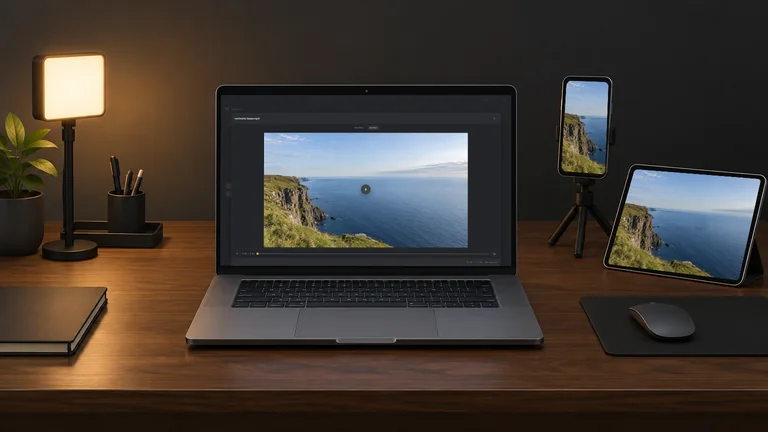 Video and social creators
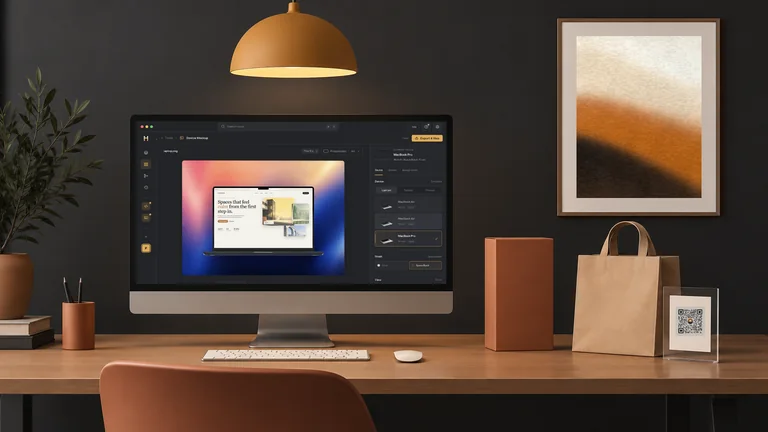 Marketers and content teams