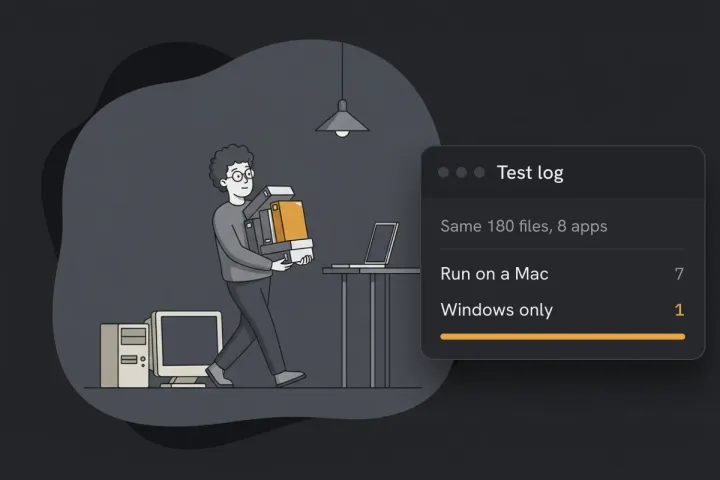
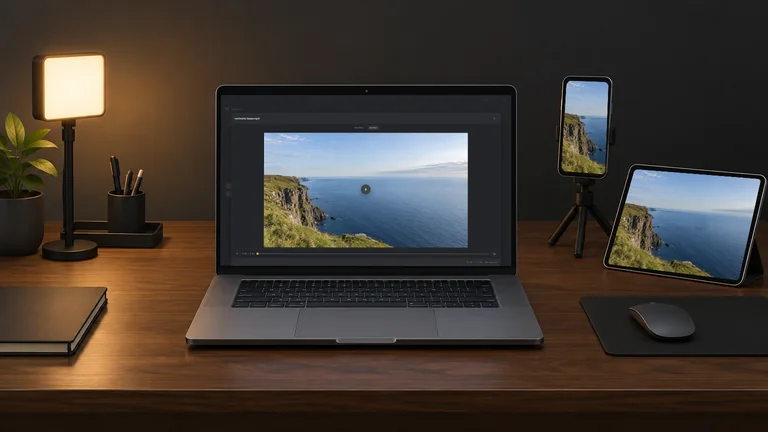
Turn still photos into video with a slow, smooth camera move, one video per photo or one slideshow with transitions and your own song. Each move can land on the subject of the photo, and the zoom stops before a photo goes soft. Your photos never leave your computer.
Intel Mac or need help installing? All downloads
Hangar runs on Mac and Windows. Open this page there to download.
How it works
JPG, PNG, WebP, TIFF or BMP. Make one video per photo, or join them all into one video in your order.
Push in, Pull out, Focus, Drift and eight more, or drag the frames yourself. Set the length, the speed curve and a hold at each end.
Pick a transition, add a song and fit the video to it. Save as MP4, HEVC, WebM, ProRes or GIF, up to 4K.
New to Hangar? How to run a tool, step by step
Pick a move
The move sets the mood. A push in pulls the eye to one detail, a drift tells the viewer to look around, a reveal opens up the whole scene. Zoom goes in or out, and a click on the photo sets where the camera goes.
The camera moves slowly closer.
Best for portraits, products and one strong detail.
The camera glides across the photo.
Best for landscapes, cityscapes and group photos.
Starts close, then opens up the whole scene.
Best for a place you want to show off at the end.
Every setting, explained in the Ken Burns guide Make · Move · Frames · Lands on · Photo shape
The alternative
Online slideshow makers come with stock music and big template libraries, and they are quick for a one-off. Here is what changes when the photos stay with you.
Who uses it
Turn the best frames of a shoot into one video with a crossfade and a song, ready to share with the client.
Hangar for photographersMake 9:16 clips for Reels, TikTok and Shorts, or export ProRes for your editing app.
Hangar for video and social creatorsDrop the photos from a trip, add a song, and the video ends right with the music.
One app, one payment
The same app makes mockups, carousels, QR codes and backgrounds, and handles your PDFs, images, video and audio too. One payment covers every tool.
A typical routine
Upscale small photos so they stay sharp up close, turn them into a camera move, then shrink the video for upload.
Every tool is free for 3 days, with no account and no card. After that, Hangar is a one-time payment from $45, with every future update included. There is no subscription.
No. The video shows your photos and nothing else.
Yes. Lands on can follow the main subject of the photo, the center, or a point you drag onto the photo.
Yes. Switch Make to One video from all. The photos join in queue order, with a transition between each pair, and you can add a song and fit the video to it.
Not with Keep sharp on, which is the default. The Video tab shows how far each photo can zoom before it goes soft, and Keep sharp stops the move at that limit.
Not yet. Ken Burns takes JPG, PNG, WebP, TIFF and BMP. Convert HEIC or RAW photos to JPG first with Convert images.
No. Your files are processed on your computer and never sent anywhere. Hangar sends anonymous usage counts to improve the app, never file names or contents, and you can turn that off in Settings.
Yes. A license works on any mix of Mac and Windows computers. Solo covers 1 computer, Crew 3 and Fleet 10.
Then pay once, from $45, for every tool and every future update. No subscription. 30-day refund.See plans
Intel Mac or need help installing? All downloads
Hangar runs on Mac and Windows. Open this page there to download.
 Agencies and studios
 Photographers
 Podcasters
 Video and social creators
 Marketers and content teams