Give a batch of images clear file names, titles, alt text, keywords, credit and a place, then save them as JPEG or WebP if you want. Write them yourself, or let AI draft them. Your images stay on your computer unless you turn that on.
Intel Mac or need help installing? All downloads
Hangar runs on Mac and Windows. Open this page there to download.
How it works
JPG, PNG and WebP hold everything. HEIC, AVIF, TIFF, GIF and BMP work too, saved as JPEG or WebP.
Add a place, keywords and credit once, or pick a saved profile for that business.
Type a title and alt text, or let Write with AI draft them, and read each one. Each file gets a clean name and the alt text is saved as a CSV.
New to Hangar? How to run a tool, step by step
What you get
Each image comes out with a name people can read and the details you gave it. Your originals stay as they were.
Made from each title.
Best for replacing camera names such as IMG_4821.
In the file and in a CSV.
Best for websites that ignore what a file holds.
GPS, city, author and license.
Best for local businesses and client work.
Every setting, explained in the SEO image guide Write with AI · Profile · Location · Keywords · Credit
The alternative
Online geotagging and alt text sites are fine for a few images. For a whole set, you upload everything and repeat yourself.
Who uses it
Keep each business’s place, keywords and credit, and fill them in for a new batch with one click.
Name and describe the photos of your shop or restaurant before they go on your site.
Hand over web-sized images with clean names and an alt text sheet for the whole site.
One app, one payment
The same app converts, compresses, resizes and cleans up photos, and does the same kind of work for PDFs, video and audio. One payment covers every tool.
A typical routine
Crop the set to one shape, name and describe every image, then zip the folder for your client.
Every tool is free for 3 days, with no account and no card. After that, Hangar is a one-time payment from $45, with every future update included. There is no subscription.
Yes, if you turn it on. Write with AI drafts a title, alt text and keywords from each picture, and you edit them before you save. Each license includes a monthly number of images. Hangar also saves the alt text to the file and to a CSV.
No tool can promise that. Clear file names and good alt text are standard image SEO advice, and this tool makes them quick for a whole batch. Google has not said that location details inside a file help ranking.
No. Your images stay on your computer. Only place search and the map go online, and only after you turn them on.
It depends on the website. Some systems read the title and caption stored in a file when you upload it, and others ignore them. If yours ignores them, paste from alt-text.csv.
No. Your files are processed on your computer and never sent anywhere. Hangar sends anonymous usage counts to improve the app, never file names or contents, and you can turn that off in Settings.
Yes. A license works on any mix of Mac and Windows computers. Solo covers 1 computer, Crew 3 and Fleet 10.
Then pay once, from $45, for every tool and every future update. No subscription. 30-day refund.See plans
Intel Mac or need help installing? All downloads
Hangar runs on Mac and Windows. Open this page there to download.
 Agencies and studios
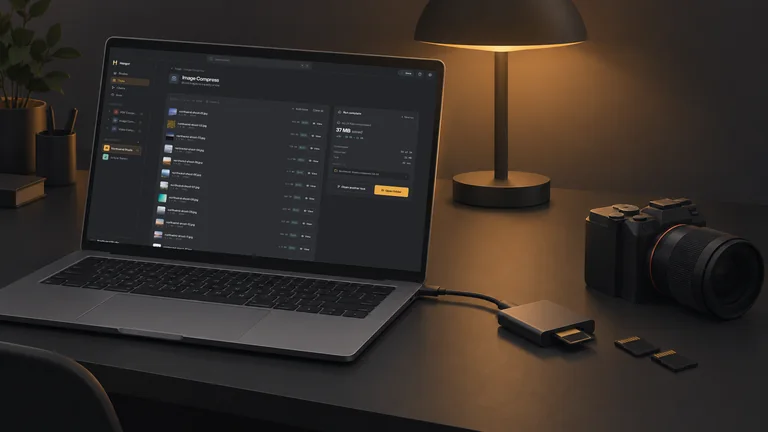 Photographers
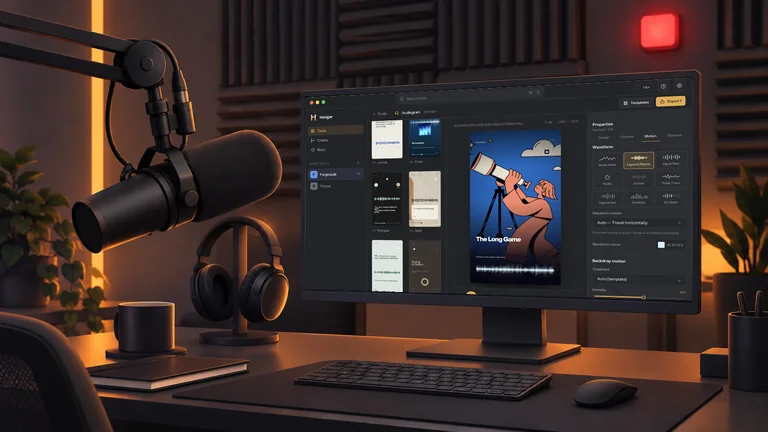 Podcasters
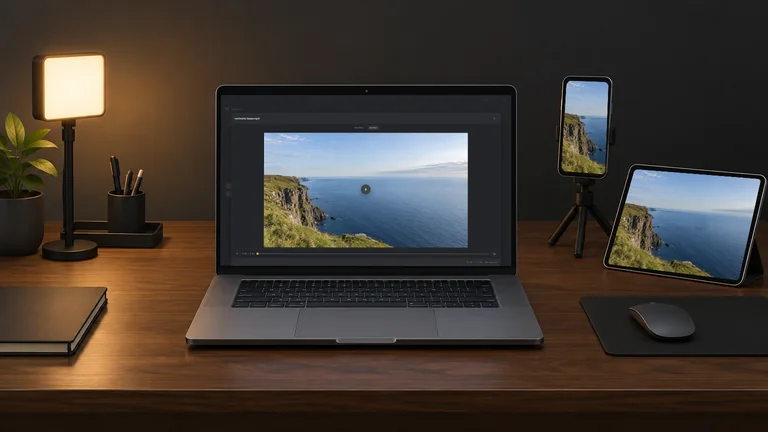 Video and social creators
 Marketers and content teams